Cyrink Studio · development
For trying the new editable drawing and animation workspace. Keep backups and review the current limitations.
0.9.0-beta.26-dev · 76 · 58.49 MBExplore Studio ↗ Draw. Shape. Bring it to life.
 Cyrink by NINETY NINE SOLUTIONS
Studio is the new creative workspace. The older app remains available separately; its version numbers describe a different generation.
For trying the new editable drawing and animation workspace. Keep backups and review the current limitations.
0.9.0-beta.26-dev · 76 · 58.49 MBExplore Studio ↗For the older drawing app and its existing projects. This is not a stable edition of Studio.
1.0 · 30 · 30.49 MBLegacy stable download ↗For testing the older app’s beta features. This is separate from Studio development.
1.2.0-beta.1 · 41 · 30.63 MBLegacy beta download ↗Keep original project files and backups. No automatic migration or backwards compatibility between these generations is promised. Downloading another edition is not a required upgrade.
Create and refine freehand or Bézier paths. Build shapes around guides, combine silhouettes and bring your ideas to life with animation. Projects save locally on your Android device.
0.9.0-beta.26-dev · build 76 · APK 58.49 MB
Android 8+ · targets Android 16 · Development beta
Download new Cyrink betaRelease notes and verificationSHA-256: d01f4d185f6fded99aee5c2edef7df5ee94019213fdf1e3e7da5db559a12f806Cyrink by NINETY NINE SOLUTIONS
Draw freehand or Bézier paths and adjust them with point handles.
Create shapes using on-canvas guides, then edit the resulting paths.
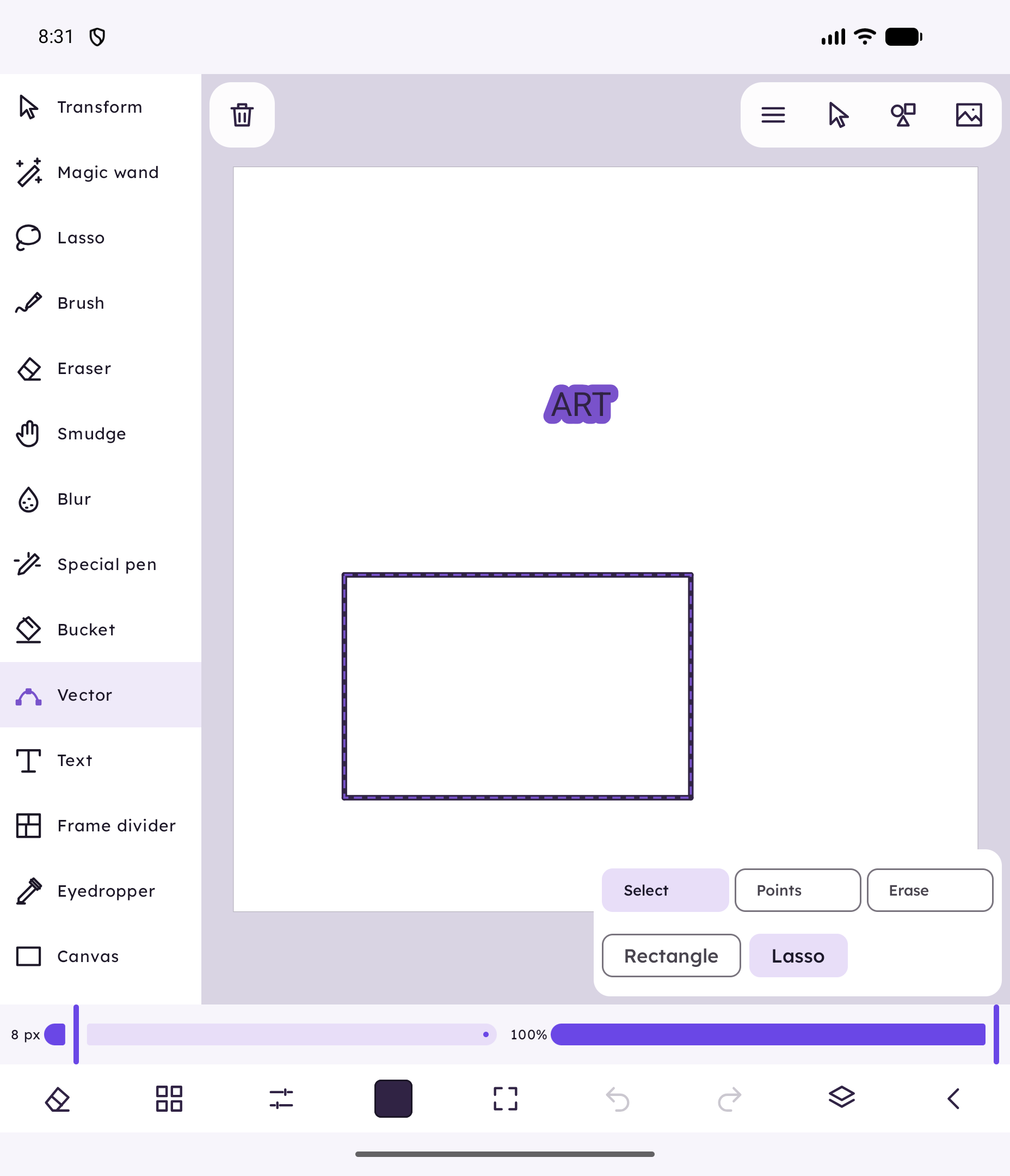
Use union, subtract, and intersect to merge or cut shapes.
See artwork thumbnails, hold a grip to reorder, adjust whole-layer opacity, duplicate or merge down without losing editable objects.
Animate with keys, routes and frame drawings. Add gravity, wind, gusts or presets; preview reversibly and bake editable keys while retaining the source. Floor contact has documented limits.
Save projects locally and export as PNG, SVG, GIF, MP4, or project archive.
Actual build76 emulator captures from an original isolated audit drawing. Theme and icon-left/text-right tools preserved; no personal artwork or physical pen-test claim.
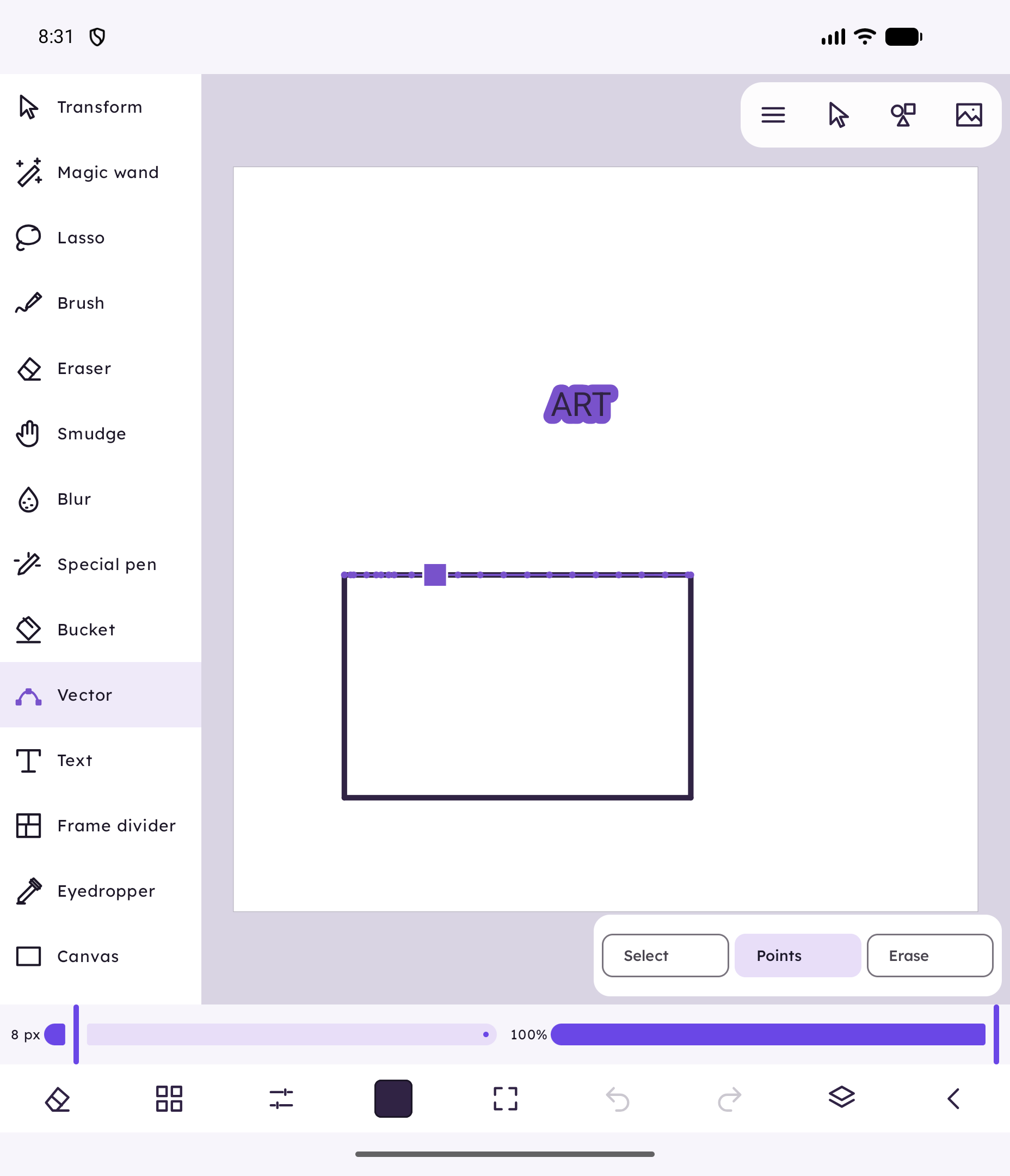
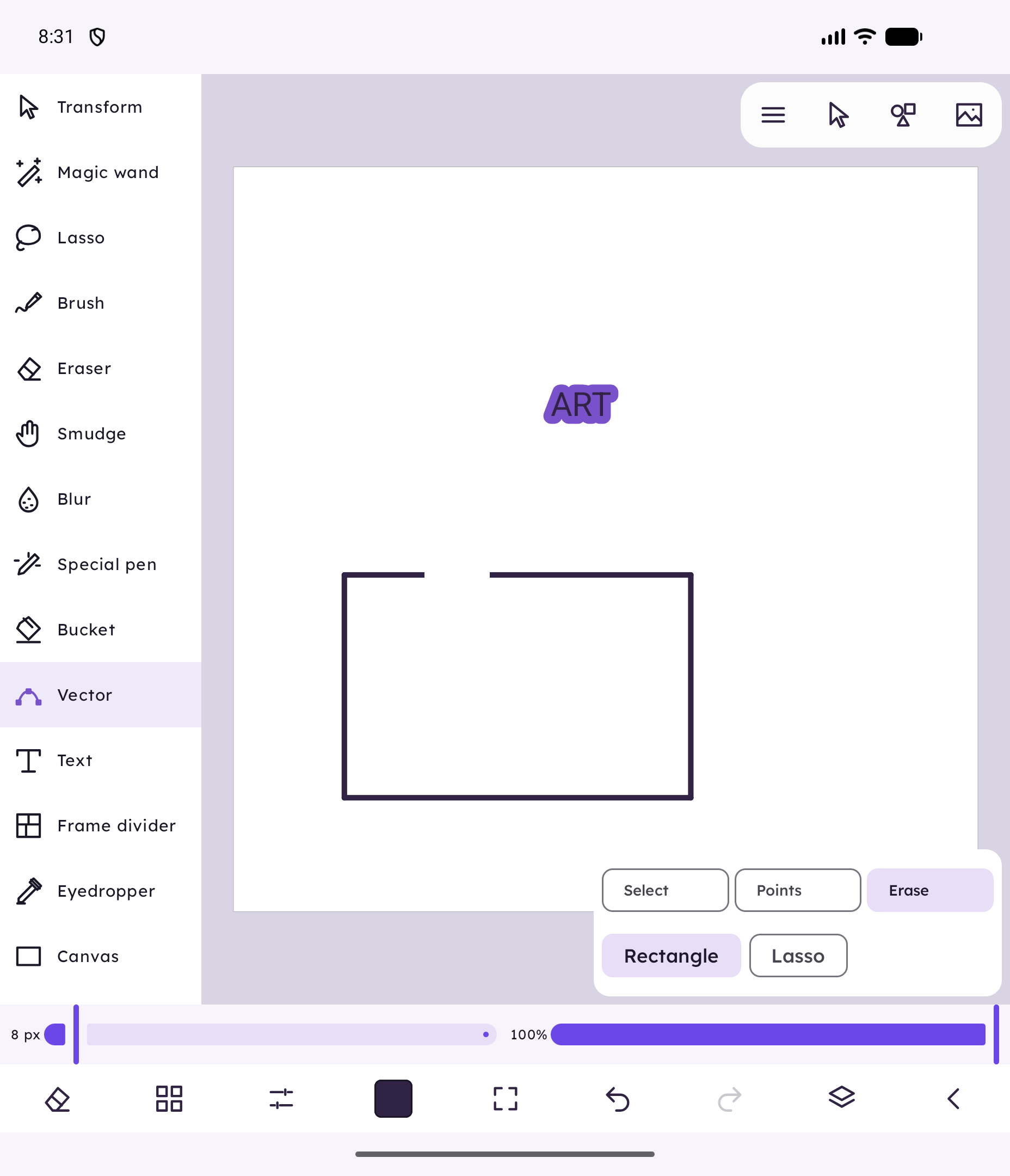
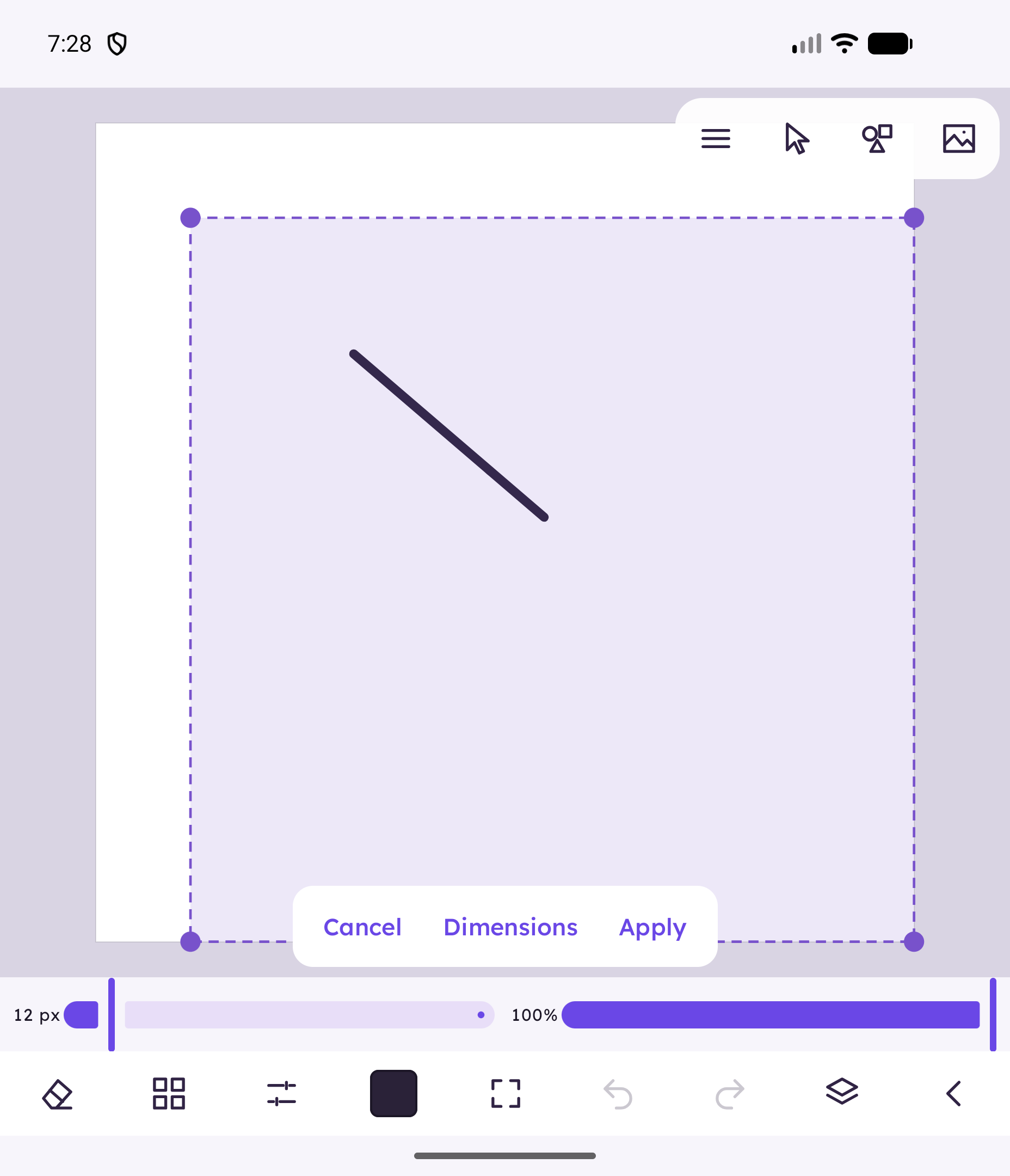
Sketch a freehand or Bézier path, then drag point handles to clean up the shape.
Place guide-built shapes, then use union, subtract, or intersect to form a single result.
Add keyframes or frames, import sound if needed, then export or save the project locally.
Cyrink Studio is a separate development-beta app. The APK updates the same Studio package in place; keep project backups. Android still asks before installation. It does not import projects from the original Cyrink generation.
No. Studio focuses on editable vector paths and shapes. It does not include Live brushes or raster painting tools.
No. This is a development beta. It is not presented as production-reliable software.
Open a drawing preview, then choose Edit. The bottom strip opens brushes, colors and Layers. Tap a layer to choose it, hold the grip to reorder, and use the opacity slider, Duplicate or Merge Down. The redesigned home has no lesson gallery.
Original Cyrink is a different generation. Its projects and features are not imported into Studio. Keep it installed if you still use it.
SHA-256 6949902a4165d97148fdd995d17a3bcec8f386a0cb5ca0364a6881ac36cd362dSHA-256 6cbaa6aedf2848214101907531895bb0513090c7c47781f7717a2fdbbb2165e6Download original betaRelease notesDownloads and SHA-256 checked ·
Choose a published channel. Newer development work stays separate until its download is verified.
0.9.0-beta.26-dev · Build 76 · 58.49 MB
DevelopmentDownload Cyrink 0.9.0-beta.26-dev ↓SHA-256: d01f4d185f6fded99aee5c2edef7df5ee94019213fdf1e3e7da5db559a12f8061.0 · Build 30 · 30.49 MB
StableDownload Cyrink 1.0 ↓SHA-256: 6949902a4165d97148fdd995d17a3bcec8f386a0cb5ca0364a6881ac36cd362d1.2.0-beta.1 · Build 41 · 30.63 MB
BetaDownload Cyrink 1.2.0-beta.1 ↓SHA-256: 6cbaa6aedf2848214101907531895bb0513090c7c47781f7717a2fdbbb2165e6Development beta. Filters and extended brush variants remain in progress. Physical pen/palm and Android8 runtime remain unverified. Non-colour canvas modes use guarded format10; preserve project backups.
The practical details for choosing and using this product. Check the selected release notes for feature availability.
Draw freehand or Bézier paths and adjust them with point handles.
Create shapes using on-canvas guides, then edit the resulting paths.
Use union, subtract, and intersect to merge or cut shapes.
Move, rotate, and scale paths and shapes directly on the canvas.
Animate paths with keyframes, create frame-by-frame animation, and import sound.
Save projects locally and export as PNG, SVG, GIF, MP4, or project archive.
Sketch a freehand or Bézier path, then drag point handles to clean up the shape.
Place guide-built shapes, then use union, subtract, or intersect to form a single result.
Add keyframes or frames, import sound if needed, then export or save the project locally.
Projects and imported audio stay on your device. Downloading an APK contacts this website. No account is required.
Separate development-key signed, debuggable app. Physical S Pen testing is pending. No legacy import, Pixel paint, old Live brushes or in-app updater.
No. Cyrink Studio is a separate debuggable development-key app. It does not import legacy projects or include an updater. Earlier downloads are kept in a closed archive.
No. Studio focuses on editable vector paths and shapes. It does not include Live brushes or raster painting tools.
No. This is a development beta. It is not presented as production-reliable software.
Five complete adventures guide you through the tools, with 16 visual steps each.